
Blog
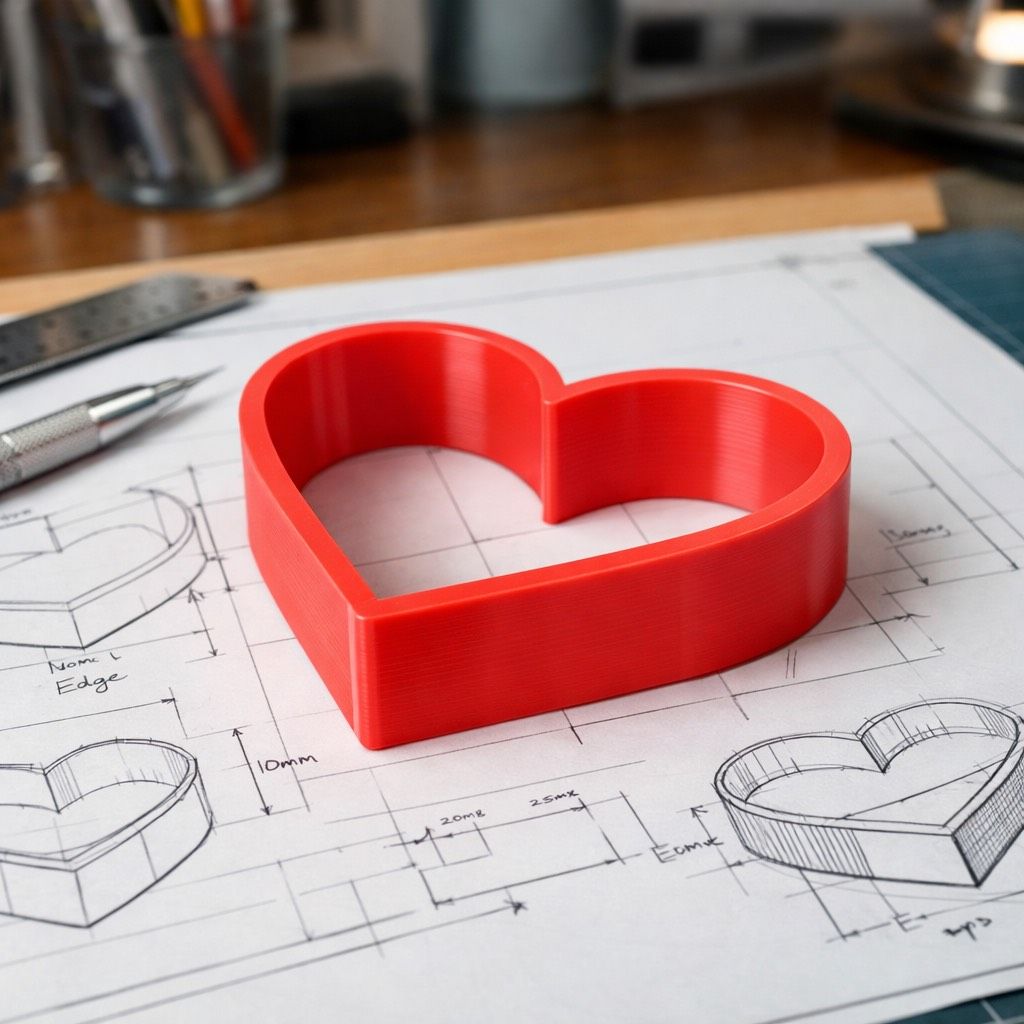
Troubleshooting Rough Edges On 3D Printed Fondant Cutters
Mar
Enhancing the Quality of 3D Printed fondant Cutters
optimizing Print Speed for Superior Edges
one effective method to enhance the sharpness of cutting edges on 3D printed fondant cutters is by reducing the print speed to approximately 40mm per second. This adjustment allows for more precise layering, resulting in cleaner and sharper edges that are essential for intricate designs.
Importance of Filament Readiness
Another crucial step in achieving high-quality fondant cutters is ensuring that your filament is properly dried before use. Moisture in the filament can lead to unwanted stringing during printing,which compromises the integrity of the cutter walls. By taking the time to dry your filament adequately,you can substantially reduce these imperfections and improve overall print quality.
Extensive Troubleshooting Guide
To help you achieve flawless results with your 3D printed baking molds, we have compiled a troubleshooting checklist:
- Check printer Calibration: Ensure that your printer is correctly calibrated for optimal performance.
- Adjust Temperature Settings: Experiment with diffrent nozzle temperatures based on filament type to find what works best.
- Inspect Layer Height: A smaller layer height can contribute to finer details and smoother surfaces.
- Clean Nozzle Regularly: A clogged nozzle can lead to inconsistent extrusion; regular maintenance will prevent this issue.
- Use Quality Filament: Invest in high-quality filaments designed specifically for food-safe applications.
By following these guidelines and making necessary adjustments, you will be well on your way to producing remarkable 3D printed fondant cutters that meet both aesthetic and functional standards in baking projects.
